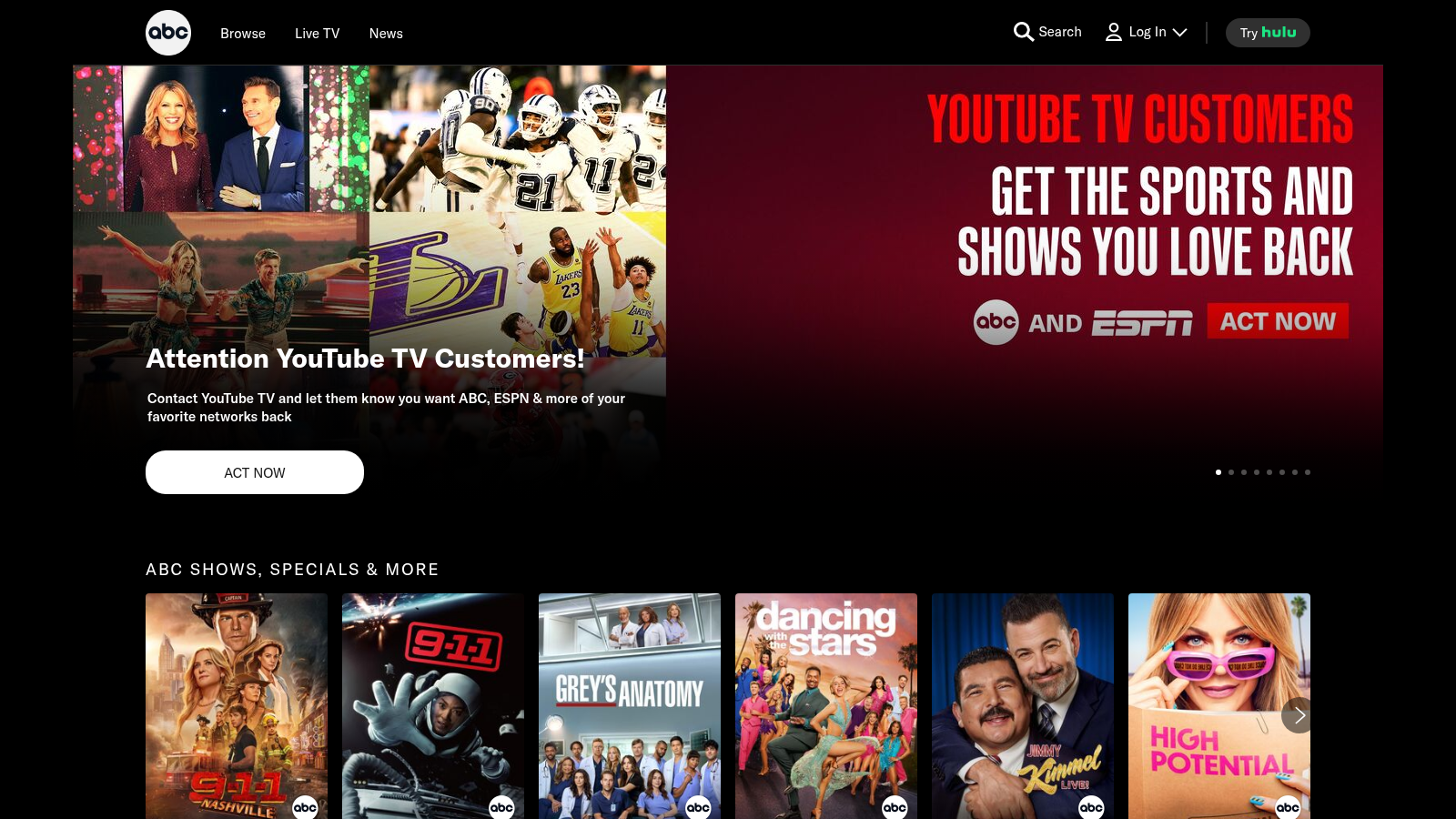
Screenshot showcase
Example captures from the HQAPI screenshot API, with the parameters used. Try it yourself.
-
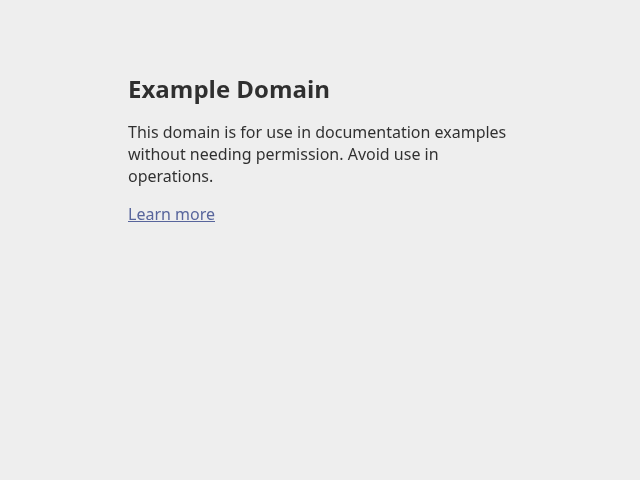
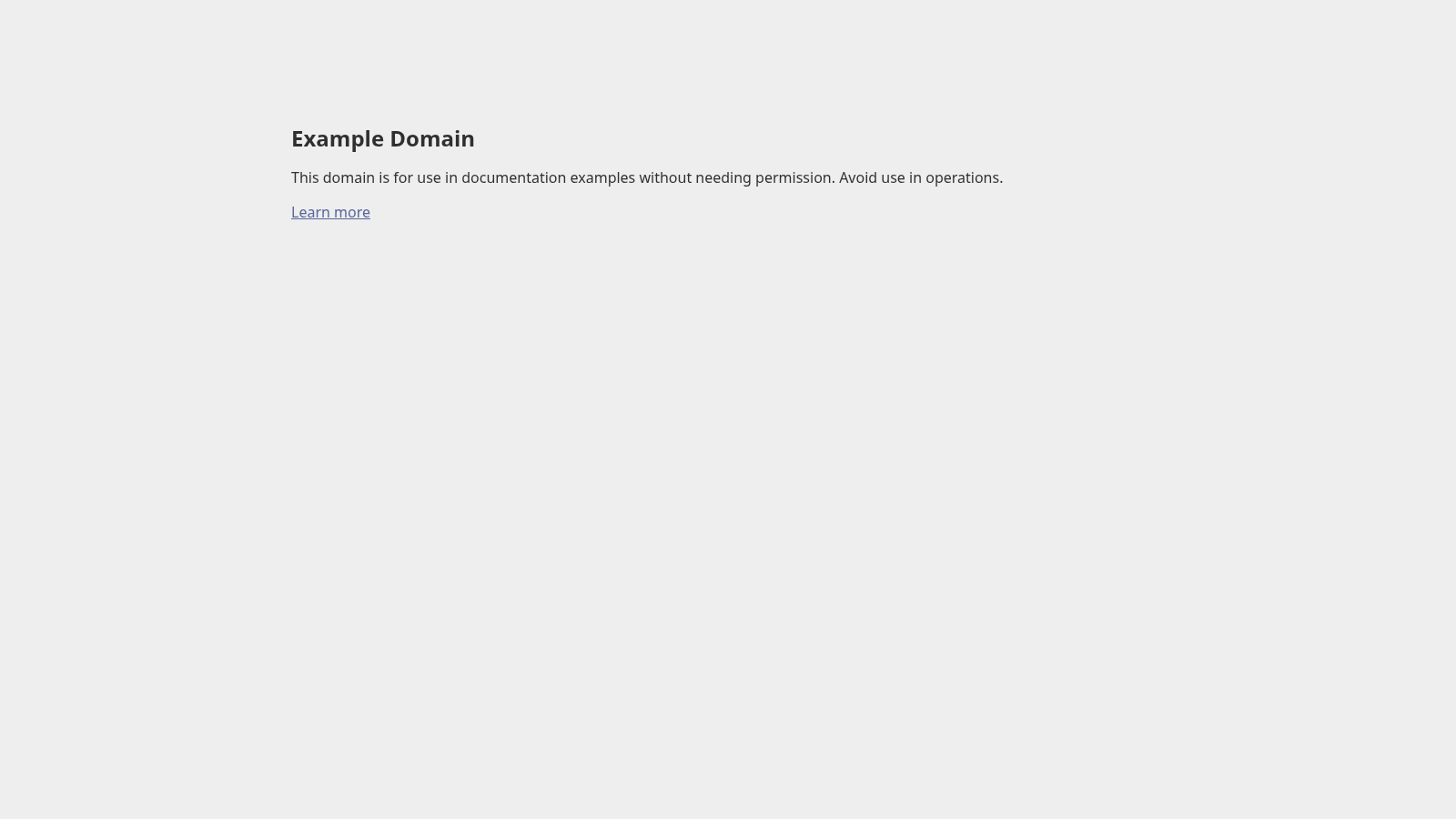
The example.com home page at 640 by 480 pixels. Open the full size version for the 1600 by 900 capture. url=https://example.com/&browser_width=640&browser_height=480Full size (1600 by 900) -
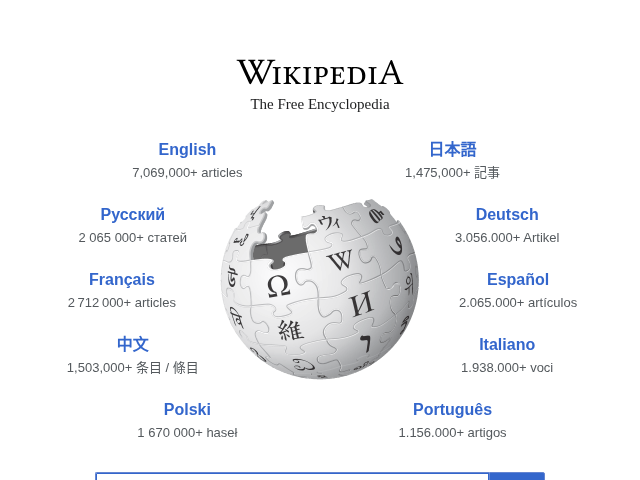
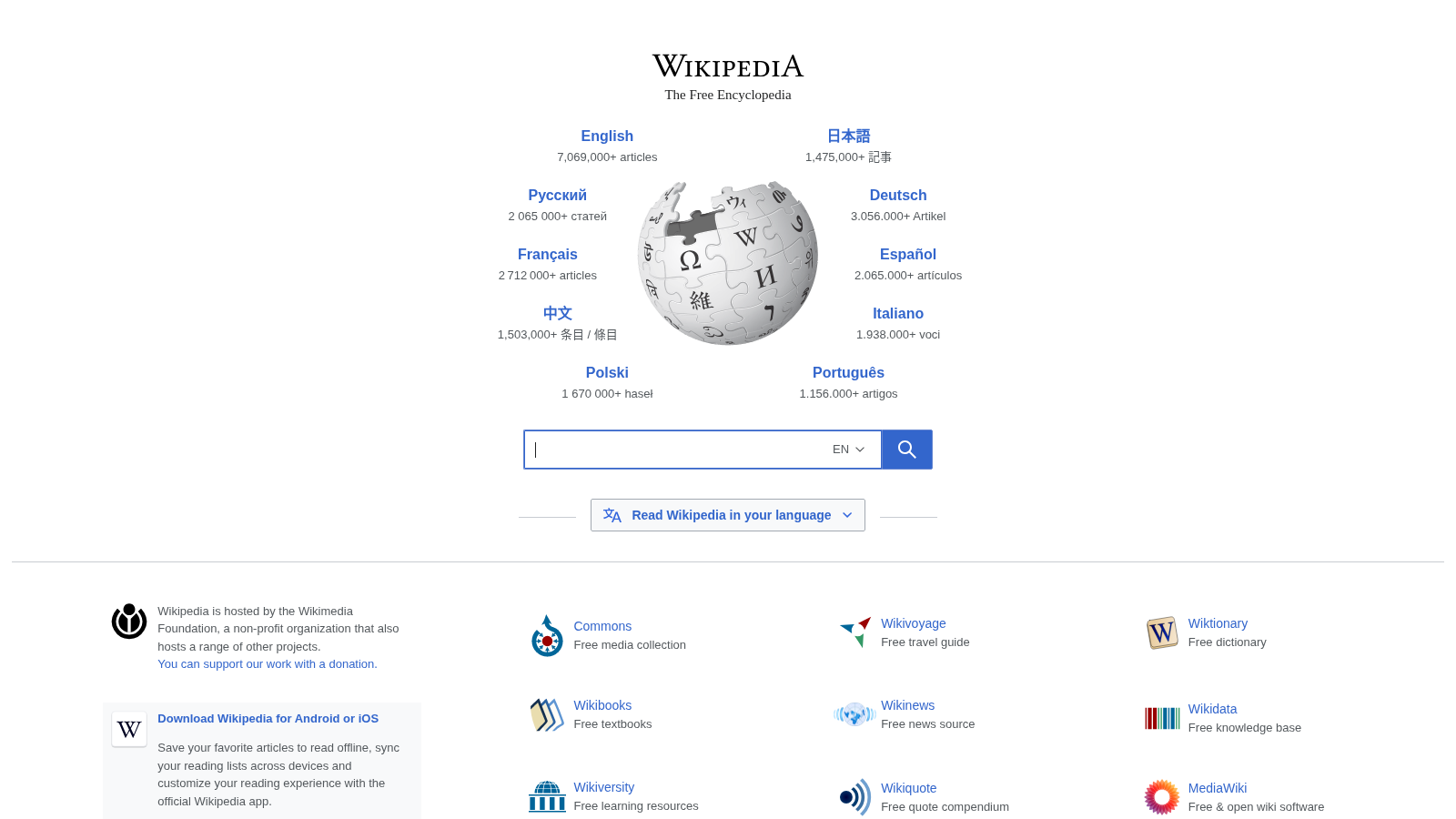
The wikipedia.org home page at 640 by 480 pixels. Open the full size version for the 1600 by 900 capture. url=https://wikipedia.org/&browser_width=640&browser_height=480Full size (1600 by 900) -

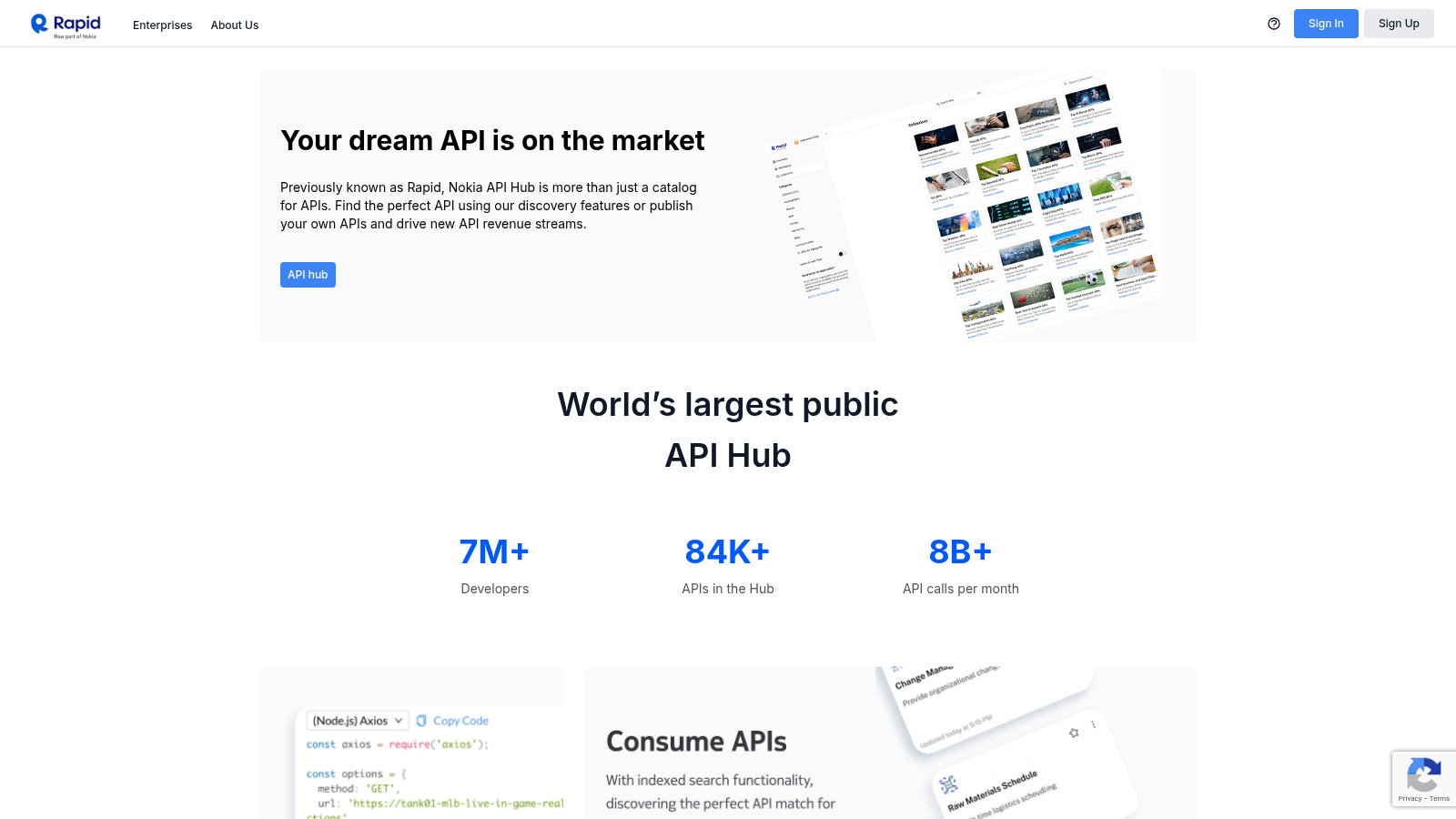
The rapidapi.com home page at 640 by 480 pixels. Open the full size version for the 1600 by 900 capture. url=https://rapidapi.com/&browser_width=640&browser_height=480Full size (1600 by 900) -

The hqapi.com home page at 640 by 480 pixels. Open the full size version for the 1600 by 900 capture. url=https://hqapi.com/&browser_width=640&browser_height=480Full size (1600 by 900) -
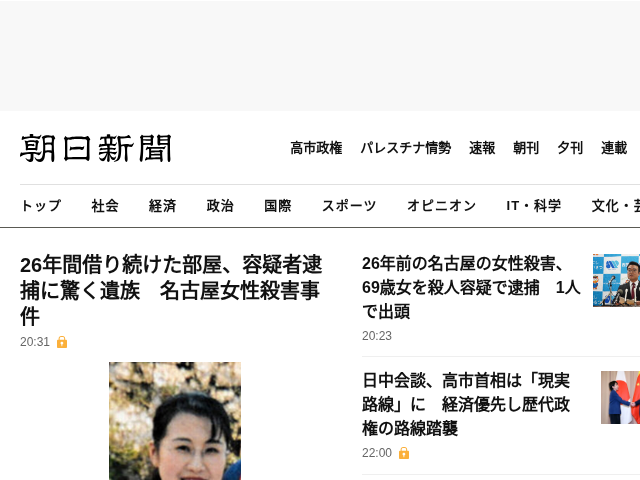
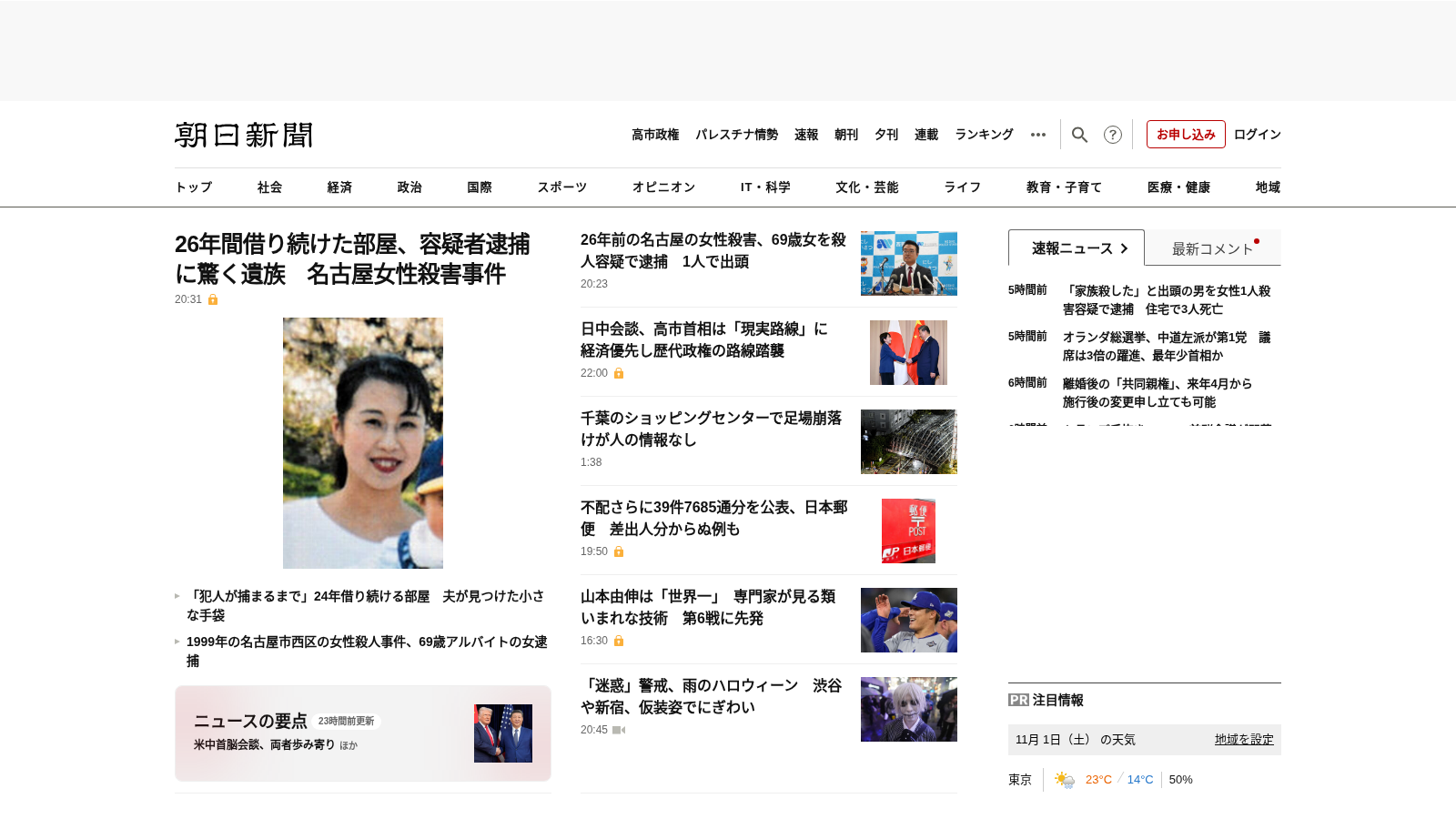
The asahi.com home page at 640 by 480 pixels. Open the full size version for the 1600 by 900 capture. url=https://asahi.com/&browser_width=640&browser_height=480Full size (1600 by 900) -

The king.com home page at 640 by 480 pixels. Open the full size version for the 1600 by 900 capture. url=https://king.com/&browser_width=640&browser_height=480Full size (1600 by 900) -

The abc.com home page at 640 by 480 pixels. Open the full size version for the 1600 by 900 capture. url=https://abc.com/&browser_width=640&browser_height=480Full size (1600 by 900)